
NASA open data for beginners: where to find it and how to start
A beginner’s guide to NASA open data before HackAthlone: Worldview, Earthdata Search, api.nasa.gov, Google Colab and ESA’s Copernicus, and where to begin.
By HackAthlone Team

Road to HackAthlone: 24 days to go
In the NASA Space Apps Challenge, every challenge points you at data. The good news is that NASA describes its Earth science archive as “free and open to any user for any purpose”, and the 17 Space Agency Partners of Space Apps 2026 add data of their own. The hard part is knowing where to start. Here’s a short tour, from looking at pictures to your first lines of Python.
Start by looking
NASA Worldview is the easiest way in. It runs in your browser and shows full-resolution, global, daily satellite images, with no download needed.
Try this: search for Athlone, pick a date from last winter and switch a few layers on and off. You’ll probably find Ireland under cloud. That’s a real lesson. Ordinary satellite cameras can’t see through cloud, which is one reason Cea-SAR, our 2025 winners, used radar instead.
Find the files with Earthdata Search
Earthdata Search lets you search, preview and download NASA Earth observation data in your browser. Draw a box over Ireland, set a date range and filter the results until you have a handful of files, not thousands.
To download data from NASA’s Earth data centres, you need an Earthdata Login account. It’s free, and you can register here. Do it this week, so Saturday morning isn’t spent waiting for a confirmation email.
If whole files are more than you need, try AppEEARS. It lets you request only the area, dates and layers you care about. Dilly Dally, second in Athlone in 2025, listed it among the data references on their project page.
Try an API
An API lets a program ask a website for data. api.nasa.gov lists NASA’s open APIs, which you can try with the shared DEMO_KEY before you generate a key of your own on the same page.
Paste this into your browser:
https://api.nasa.gov/planetary/apod?api_key=DEMO_KEY
You’ll get NASA’s Astronomy Picture of the Day back as JSON, which is structured text a program can read, including the date and an explanation of the picture. If it times out, try again in a minute. Shared keys and busy services do fail sometimes, which is a good reason to keep a copy of any data your demo depends on.
Every API works roughly like this. You send a web address with some settings, and structured data comes back.
Work in a notebook
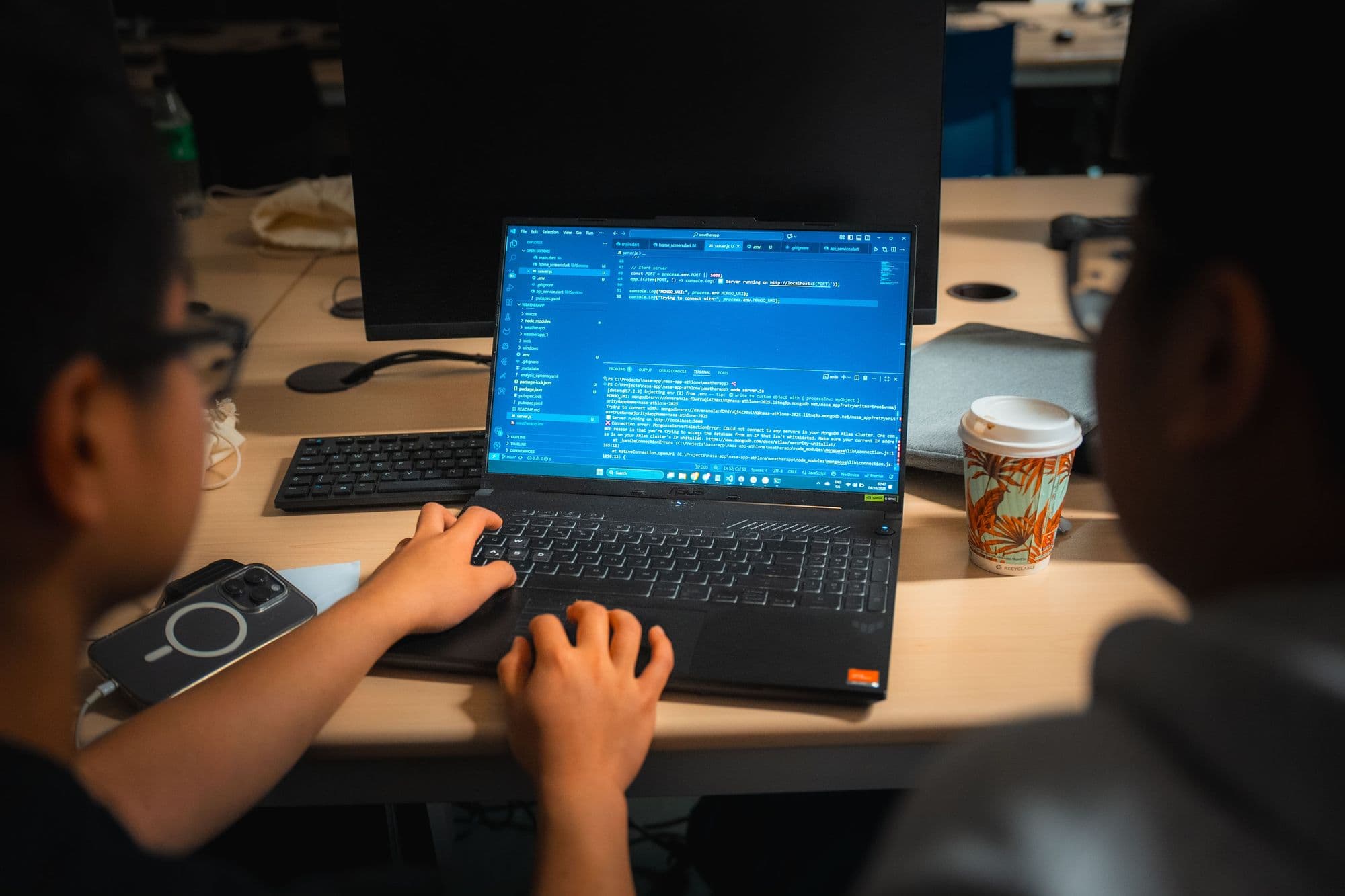
Google Colab runs Python notebooks in your browser, free of charge, with nothing to install. A notebook mixes code, results and notes on one page, and you can share it with your team like a Google Doc.
For NASA Earth data, the open-source earthaccess library handles the login and search for you. In a Colab cell, type:
!pip install earthaccess
import earthaccess
earthaccess.login()
The last line asks for your Earthdata Login username and password. From there, the earthaccess documentation shows how to search for a dataset by name, area and date, and download the results.
Look beyond NASA
The Space Agency Partners of Space Apps provide extra space-based data for participants to use, so don’t stop at NASA. For Europe, start with ESA’s Copernicus Data Space Ecosystem, which offers free access to data from the Copernicus Sentinel missions. Its Copernicus Browser works a lot like Worldview: pick an area and a date range, and look before you download.
Cea-SAR’s winning project in 2025 used Sentinel-1 radar data from ESA to map flooding on the Shannon.
Habits that save your weekend
- Go small. One place, one time period, one variable. Ireland, last year, rainfall. Grow from there.
- Keep a local copy. Save a small sample to your laptop so a slow connection can’t stop your demo.
- Write down every source. The Space Apps terms say you “must cite every source that is used in the creation of your project, even if it is open source or freely available”. Start a list with your first download.
- Read the units. Check what each number means before you put it on a chart.
- Ask early. From 3 November, Space Apps Connect has Navigators and NASA subject matter experts answering challenge and data questions.
Practise now, build later
Learning tools before the hackathon is fine. Building your challenge project isn’t: Space Apps doesn’t allow any work on projects before the hackathon starts. So use the next few weeks to get comfortable with these tools on any data you like, and save the real thing for the weekend.
The full challenge statements arrive on 28 October, along with the resources each challenge recommends. Until then, browse the summaries on our challenges page.